Getting Started
Creating a season
Guide to creating a new season in the system
How to create a new season
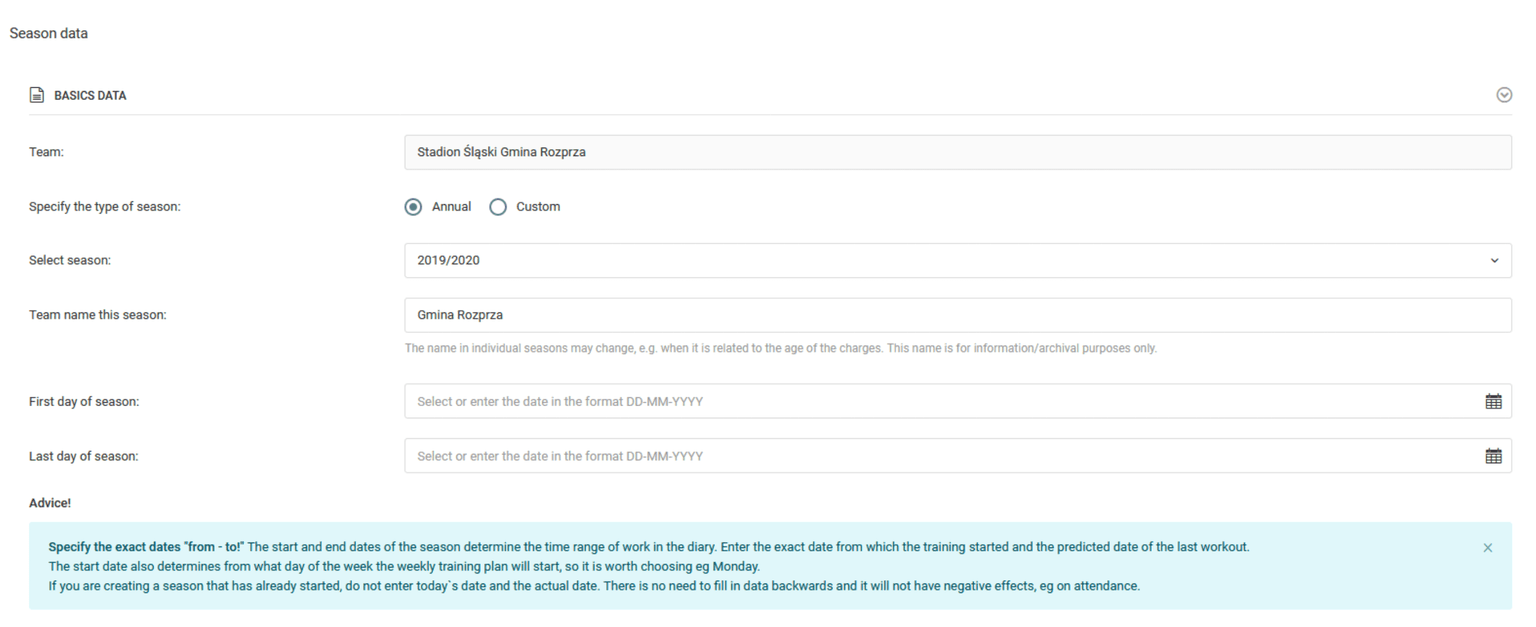
To create a season in the system, click on the left menu button: diary → seasons → add season. Then you`ll see a new season creation form. There you will find a few fields to complete, starting with a selection from the list of the season e.g. 2020/2021, then we set the name of our team for this season and choose the start and end date of the season. We recommend that you create annual seasons, but the system allows you to add shorter seasons called custom seasons in exceptional cases.